Embedding External Content (YouTube, Maps, Social Posts)
You can embed content from other websites directly
How embeds work
Paste the web address (URL) of the content you want to embed – a YouTube video link, a tweet/X post, or similar – onto its own line in the editor. WordPress will usually detect it automatically and turn it into an embedded preview.
If it doesn’t embed automatically
- Click + and search for “Embed”, or search for the specific service name (e.g. “YouTube”, “Twitter”).
- Paste the URL into the embed block and click “Embed”.
Tip: Not every website supports embedding. If a link just shows as plain text with no preview, that source doesn’t support it – use a normal link instead.
Using the Video Cover block instead
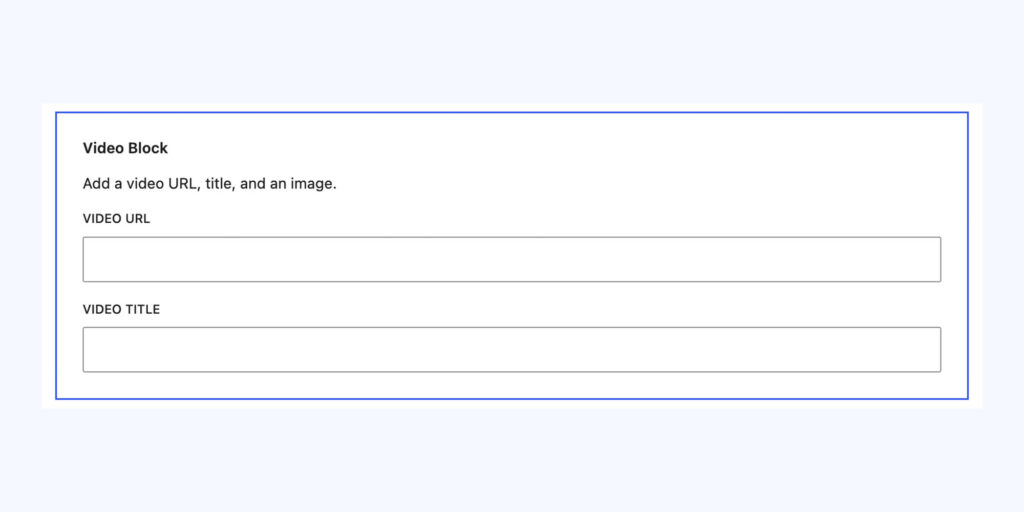
If you don’t want the video to load and start pulling data the moment someone visits the page, use the Video Cover block instead of a standard embed. Unlike a normal embed, which loads the video player straight away, this block just shows a static preview image with a play button. The actual video (YouTube, Vimeo, or a direct MP4 file) only loads when the visitor clicks play.
This is useful for:
- Page speed – no video player script loads until someone actually wants to watch
- Cleaner design – you can set a custom cover image instead of relying on whatever thumbnail the platform provides
- Data/privacy – nothing is fetched from YouTube/Vimeo’s servers until the user opts in by clicking
To use it:
- Click + and search for “Video Cover”. (Note: this is a custom block built for our sites, not a standard WordPress block — if you don’t see it, it may not be active on this site, or you may need to check with the dev team.)
- Paste in a YouTube or Vimeo URL, or upload/link an MP4 file.
- Optionally set a custom cover image, otherwise it may pull a default frame.
- Preview to check the play button and cover image display correctly.
Tip: Use the standard Embed block for quick, simple embeds where load time isn’t a concern. Use Video Cover when the video is further down a long page, or when you want tighter control over page performance.
Conversation
Leave a Reply
You must be logged in to post a comment.
Thanks for the feedback. Let us know what was missing and we will improve this page.
Thank you for your feedback.