Categories
Setting Up Two-Factor Authentication (2FA)
Two-factor authentication adds a second step to logging in
Two-factor authentication adds a second step to logging in – usually a code from your phone – so a stolen password alone isn’t enough to get into your account.
It’s required for Administrators on this site, and available to other roles too.
What you’ll need
Access to the email associated with your account.
Setting it up
Initial setup will be done by the site administrator.
Logging in afterwards
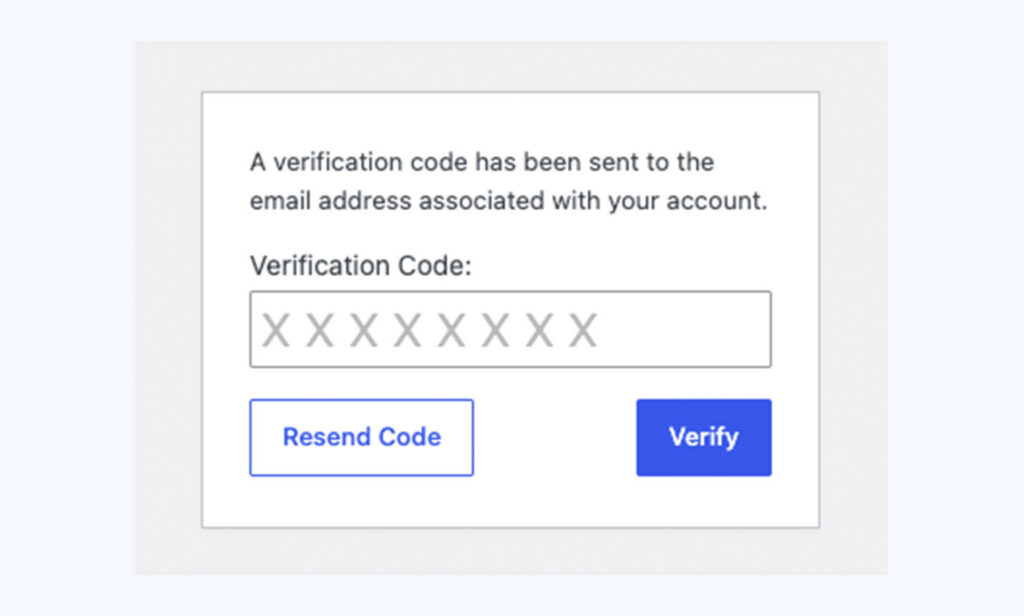
Once setup is complete, when logging in you will see a request to enter an 8-digit verification code that gets sent to the email address associated with your account and verify.
Conversation
Leave a Reply
You must be logged in to post a comment.
Have you found this useful?
Yes: 0
0
Thanks for the feedback. Let us know what was missing and we will improve this page.
Thank you for your feedback.