What Happens After You Submit for Review
Once you've clicked "Submit for Review" in the Revisions plugin
Once you’ve clicked “Submit for Review” in the Revisions plugin, here’s what to expect.
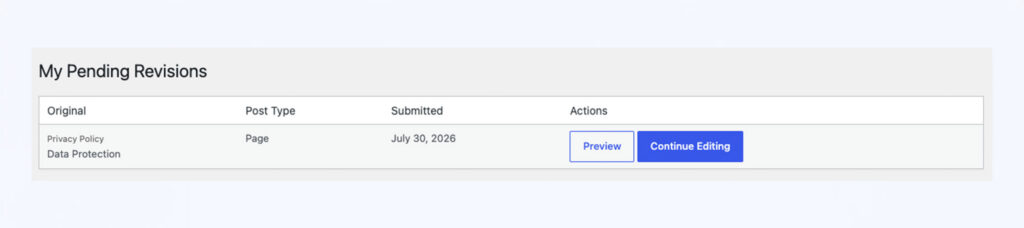
While it’s pending
Your change sits in a pending state, visible to reviewers via the side-by-side comparison screen. The live page is untouched until someone actions it.
If it’s accepted
Your change is applied to the live page automatically as soon as a reviewer clicks Accept – you don’t need to do anything further.
If it’s rejected
Your change is not applied. Go back into the post or page, make any adjustments needed, and use Submit for Review again to resend it.
It can be left as pending, and you can go back in and make some requested changes, and re-submit.
Tip: If something feels like it’s been pending for a while, it’s fine to check in directly with whoever has review permissions – there’s no automatic chase-up built in.
Conversation
Leave a Reply
You must be logged in to post a comment.
Thanks for the feedback. Let us know what was missing and we will improve this page.
Thank you for your feedback.