Why an Image Looks Blurry or the Wrong Size
A handful of common causes account for almost every blurry or oddly-sized image on a WordPress site.
The original file was too small
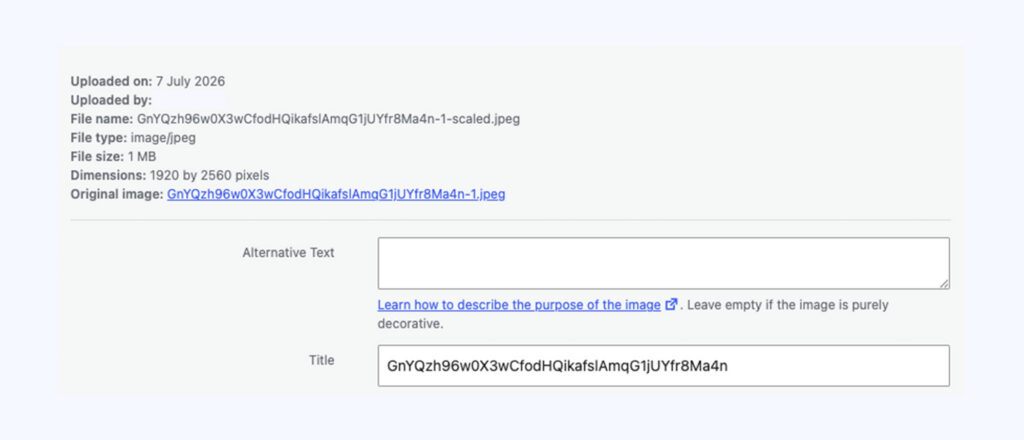
If an image is stretched larger than its original dimensions to fill a space, it will look blurry or pixelated. Check the original file size in Media → Library (click on it to see its dimensions in pixels) – it needs to be at least as large as the space it’s being displayed in.
Heavy compression
Very aggressive compression (either from the original source, or an over-zealous optimisation plugin) can cause visible artefacts, especially on photos with fine detail. Try re-uploading a higher-quality original.
Wrong image size selected
WordPress automatically creates several sizes of each uploaded image. If a block is set to use a smaller generated size than the space available, it can look soft. Check the image block’s size setting in the block toolbar or settings panel.
Tip: As a rule of thumb, upload images at least twice as wide as their largest on-screen display size to allow for sharp display on high-resolution phone and laptop screens.
Conversation
Leave a Reply
You must be logged in to post a comment.
Thanks for the feedback. Let us know what was missing and we will improve this page.
Thank you for your feedback.